Template:Map: Difference between revisions
Jump to navigation
Jump to search
No edit summary |
No edit summary |
||
| Line 1: | Line 1: | ||
<noinclude>{{ti|enhancing coordinates with a map tooltip.}}</noinclude> | <noinclude>{{ti|enhancing coordinates with a map tooltip.}}</noinclude><!-- | ||
(<span class="tt1" style="border-bottom: 1px dotted #000">''{{{1|63471}}}, {{{2|52976}}}''<span class="tt2">{{mapmark|{{{1|63471}}}|{{{2|52976}}}}}</span></span>) | -->(<span class="tt1" style="border-bottom: 1px dotted #000">''{{{1|63471}}}, {{{2|52976}}}''<span class="tt2">{{mapmark|{{{1|63471}}}|{{{2|52976}}}}}</span></span>)<!-- | ||
<noinclude> | --><noinclude> | ||
== Parameters == | == Parameters == | ||
# first coordinate (measures vertical position) | # first coordinate (measures vertical position) | ||
Revision as of 13:50, 27 October 2017
Template:Map is used for enhancing coordinates with a map tooltip..
How to Use Template:Map
- This template can be added to a page by typing the following in the page's code with any applicable parameters inserted after the name:
{{Map}}
== Raw Example of Template:Map ==(
63471, 52976
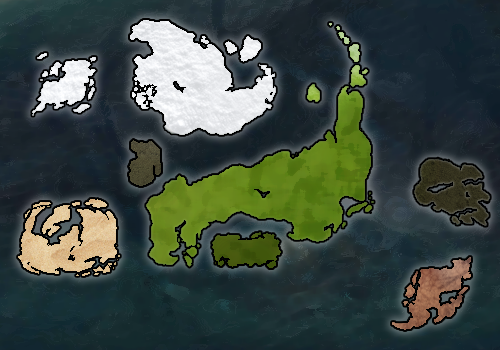
)
Parameters
- first coordinate (measures vertical position)
- second coordinate (measures horizontal position)
Test
Here is a map: (
63471, 52976
)