Template:Mapmark: Difference between revisions
Jump to navigation
Jump to search
No edit summary |
No edit summary |
||
| Line 1: | Line 1: | ||
<noinclude>{{Ti|marking a map using input coords}} | <noinclude>{{Ti|marking a map using input coords}} | ||
</noinclude> | </noinclude> | ||
<div class="mapmark"><div style="top: {{{1|139}}}px; left: {{{2|236}}}px; z-index: 2; position: relative; margin-top: 10px;">[[File:Mapmarker.png|30px|Map Marker]]</div> | |||
<div style="top: 0px; left: 0px; z-index: 1; position: absolute; margin-top: -6px;">[[File:Markedmap.png|border|link=vorringia]]</div></div> | |||
<div style="top: 0px; left: 0px; z-index: 1; position: absolute; margin-top: -6px;">[[File:Markedmap.png|link=vorringia]]</div></div> | |||
<noinclude> | <noinclude> | ||
== Parameters == | == Parameters == | ||
Revision as of 03:58, 24 September 2017
Template:Mapmark is used for marking a map using input coords.
How to Use Template:Mapmark
- This template can be added to a page by typing the following in the page's code with any applicable parameters inserted after the name:
{{Mapmark}}
Raw Example of Template:Mapmark

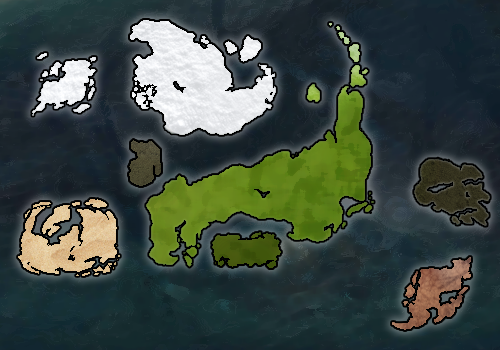
Parameters
The first parameter is the latitude, and the second parameter is the longitude.
Marker Positions
- Dead Center (default): {{mapmark|139|236}}
- Top Left: {{mapmark|-36|-14}}
- Top Right: {{mapmark|-36|485}}
- Bottom Left: {{mapmark|314|-14}}
- Bottom Right: {{mapmark|314|485}}